Family profiles: follow your child's progress in one calendar
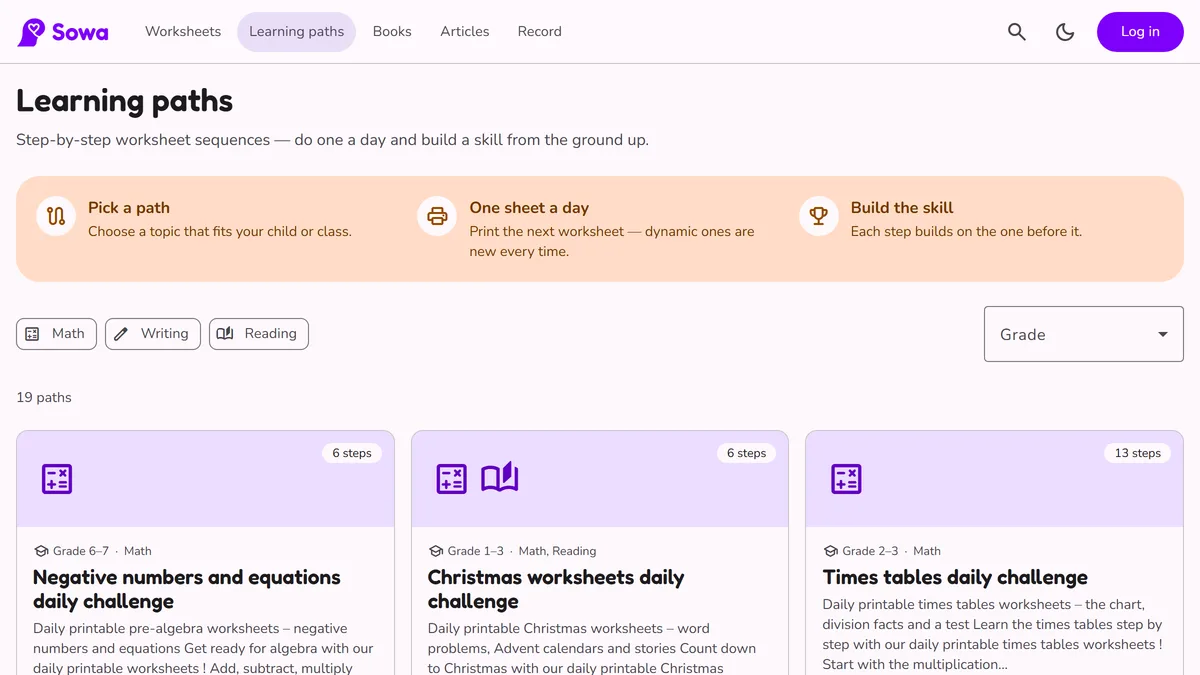
With a free parent account, Sowa can do more than print worksheets. You can add a profile for each child and see their finished worksheets and reading practice day by day in one calendar.
1. Add your children
Create an account, then add each child from the parent page: a name, a date of birth (so the site knows their age) and a 4-digit PIN. You can also set how many minutes they should read or play when they record themselves.
2. “Who's learning?”
On a shared tablet or computer, a child picks their profile on the Who's learning? screen and enters their PIN. That profile then stays active on this device. While a child is active, the parent page asks for your account password, so the parent settings stay yours.
3. “I finished it!”
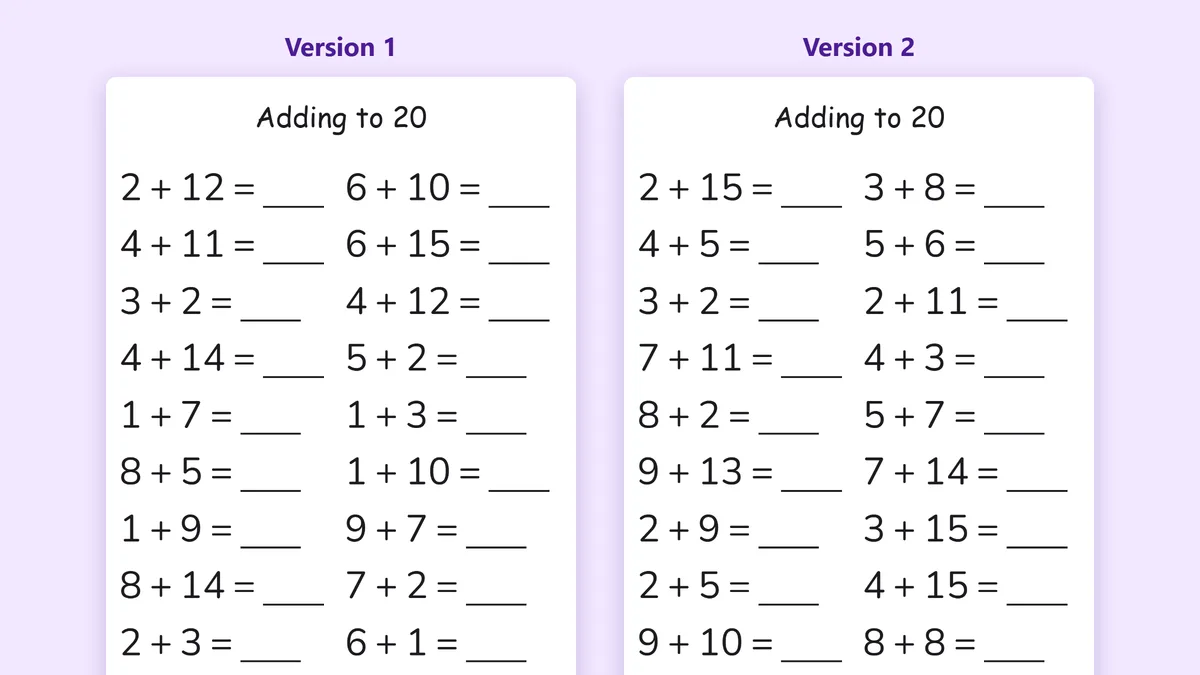
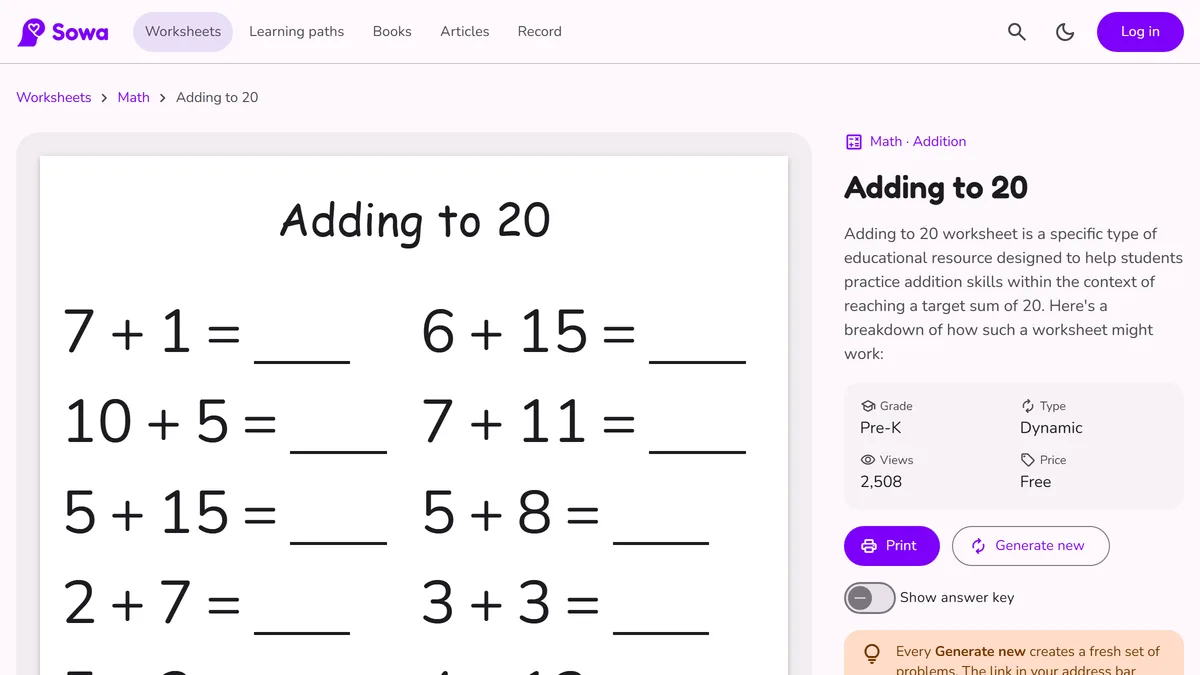
When your child finishes a printed worksheet, they open the worksheet page and press I finished it!, then take a photo of the sheet. The photo appears in the family calendar on that day. Before it is sent, the photo is made smaller and its hidden data, such as the location, is removed.
4. Record reading aloud
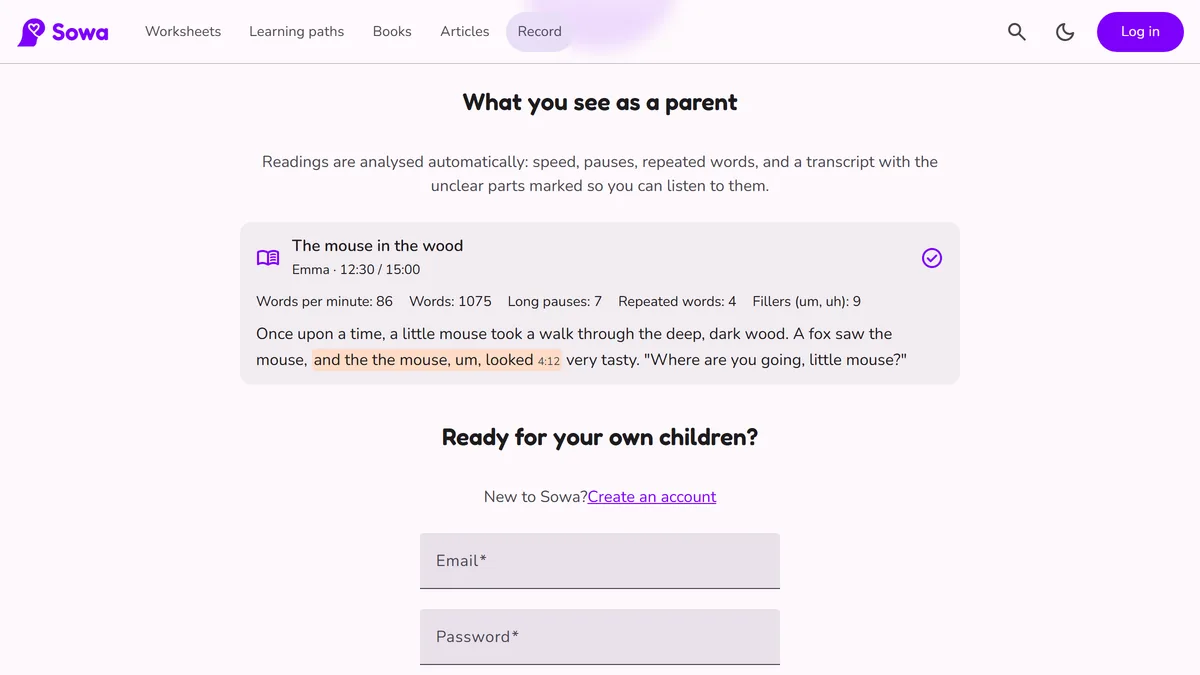
On the Record page, a child can record themselves reading a book aloud or playing an instrument. The recording stops with a little chime when the goal you set is reached. If the tab closes or a call comes in, the recording so far is kept on the device and offered back next time. For reading, you can see a simple analysis: words per minute, long pauses and repeated words. Only the parent sees it.
5. The calendar
The Calendar shows a week or a month of recordings and finished worksheets. Pick one child or everyone at the top, then pick a day to see that day's photos and recordings. A child who is logged in sees only their own.
Privacy
These family pages are private: they are not shown in search engines, and there are no ads or analytics on them. Recordings and photos are only available to your account, and removing a child also deletes their recordings and photos.